
Guide
Event CRM software: what it should actually do.
Most event teams already have a CRM. Most of them still cannot answer a simple question: who came to two of our events this year?
The problem
Your audience lives in five places.
The ticketing system has the buyers. The email tool has the subscribers. The check-in app knows who showed up. Sponsors sit in a spreadsheet, and the sales CRM has the people sales talks to. Each one has its own copy of the same person, spelled a little differently.
So the questions that matter most go unanswered. Who bought for the first time this year? Who has come every year and stopped? Which email sold tickets, and which one only got opened? A general-purpose CRM can hold the names. It was not built to know that someone bought three shows and scanned in at two.
What to look for
Six things event CRM software should do
- Build the record from what people did. Every ticket, registration, check-in and email should land on the person on its own, with no export and import in between.
- Know a returning buyer. Someone who bought last year with the same email should land on the same record this year, not a new one.
- Bring in the old lists. Spreadsheet import with column mapping and a preview, so last year’s data arrives clean, along with the people who unsubscribed.
- Segment on behavior. First-timers, people who came back, people who stopped coming, people who bought for one program but not another. Counted before you send.
- Show what each email sold. Opens are easy to count and no longer mean much: since September 2021, Apple Mail can load an email’s images, including the pixel that counts an open, in the background for users who turn on Mail Privacy Protection, whether they read it or not. Tickets and dollars from each campaign are what you need.
- Carry it into next year. The record should still be there, and still yours, when next year’s tickets go on sale.
The numbers that matter
Recency, frequency, spend
Direct marketers have sorted customers the same way for decades: how recently they bought, how often, and how much. For events it translates directly.
Someone who came last month is easier to bring back than someone who came three years ago. Someone who comes every year is your base. Someone who came twice and stopped is the most valuable email you will send this season.
None of that works if each event keeps its own list. It only works when every ticket and check-in, for every event, lands on the same person.
A test you can run in a demo
Ask about one person
Pick a real attendee from last year. Ask the vendor to show everything about them in one screen: what they bought, which events they came to, and which emails they got. If that takes three tabs and an export, the CRM is a list, not a record.
Then ask for the people who came last year and have not bought this year. That list is worth more than any campaign you will write this season.
Questions buyers ask
Before you sign
- Do we still need our sales CRM? Probably, for sponsors and partners your sales team works. The event record is about attendees and buyers, and it should feed the rest.
- Is there a limit on contacts? Ask. Some systems price by contact, which makes every free RSVP cost money.
- Who owns the data? You should be able to export every record and its history at any time.
- Can we keep one organization’s data separate from another’s? If you run events for more than one brand, ask how the data is walled off.
Proof
A whole festival, on one platform.
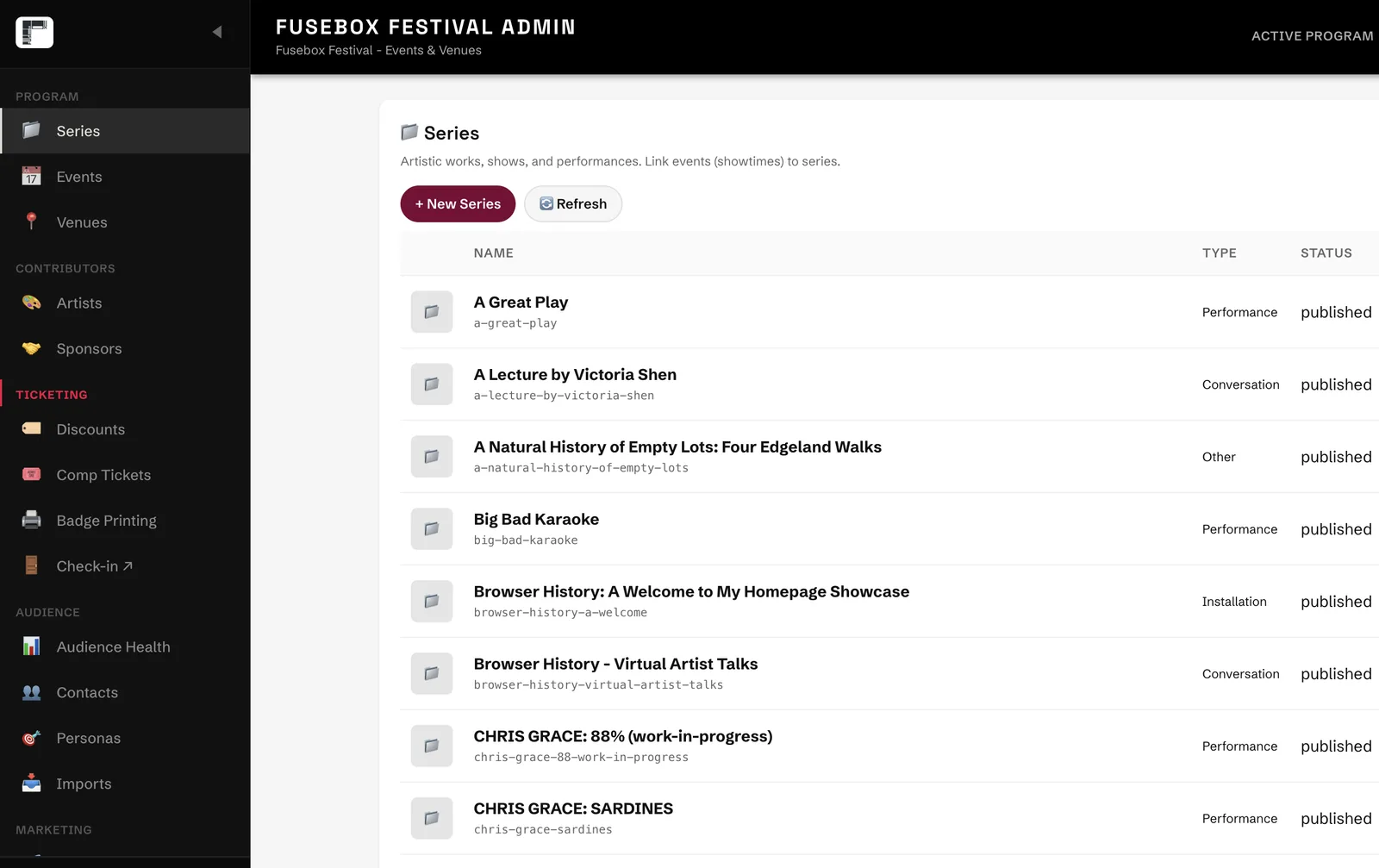
Fusebox Festival ran its 2026 edition on Janix Event Suite: 114 events across Austin in five days, with a core team of seven. Ticketing, comps, campaigns, sponsors and the door all ran on one system.
- 5,667 tickets sold across 114 events
- 1,625 unique attendees
- 500 people came to two or more events
- Seventeen software platforms replaced by one
“Seventeen different software platforms that we were trying to make speak with each other.” Chloé Carcamo, Marketing and Outreach Director, Fusebox Festival. Read the story.
NARS 2027, run by the American Recovery Association, runs on Janix Event Suite at its own address.
The audience record in Janix
What we built, and where it stops
In Janix Event Suite, every purchase, RSVP, check-in and email lands on one record per person, across every event and every year, with no limit on contacts. Old lists come in through a spreadsheet import with column mapping and a preview, and a buyer with the same email always lands on the same record.
On Portfolio and Enterprise, and on Series with Janix Marketing, segments are built from what people did, including returning and first-time buyers and lapsed attenders, and counted before you send, and each email campaign reports what it earned in tickets and dollars. Janix is not a general sales CRM for work outside your events. More on the audience record and campaigns.
See one record per person.
Bring the questions you cannot answer about last year’s audience. We will show you the record, and how each one gets answered.